PicsArt vs Photoroom 2025: Which Photo Editing App Leads the Creative Revolution?
In the fast-evolving digital world, photo editing apps have become a must-have for creators, entrepreneurs, and everyday users who want their visuals to stand out. Whether you’re crafting social media content, editing product photos, or simply refining personal images, having the right app makes all the difference.
Among the top photo editors in 2025, PicsArt and Photoroom are two of the most popular choices. Both deliver advanced AI-powered tools and professional-grade results, but they serve slightly different purposes. This detailed guide compares PicsArt vs Photoroom to help you find the perfect app for your creative goals.
Overview of PicsArt and Photoroom
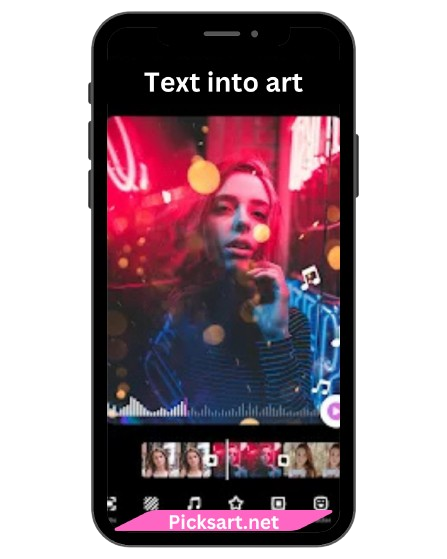
PicsArt is an all-in-one photo and video editing platform designed for full creative freedom. With thousands of filters, stickers, AI tools, and design templates, it allows users to produce professional-quality content without needing multiple apps. From artistic edits to detailed customization, PicsArt gives creators total control over every visual element.
Photoroom, on the other hand, is a specialized AI photo editing app built for quick, high-quality image production. It focuses primarily on background removal, product photography, and branding, making it ideal for business owners, marketers, and eCommerce sellers. With its one-tap AI tools, Photoroom makes it incredibly easy to create studio-quality images in seconds.
Comparison Table: PicsArt vs Photoroom
Features | PicsArt | Photoroom |
Editing Tools | Advanced and versatile | Focused on background and lighting |
AI-Powered Tools | Yes | Yes |
Background Removal | Smart AI-based removal | Industry-leading one-tap removal |
Filters & Effects | Massive creative collection | Limited filters, focused on clarity |
Templates & Layouts | Thousands of creative options | Product and marketing templates |
Design Tools | Drawing, collage, text, stickers | Product labeling and branding tools |
Batch Editing | Not available | Available (Pro version) |
Social Community | Active and global | Not available |
Platforms | Android, iOS, Web, Desktop | Android, iOS, Web |
Key Feature Comparison
User Interface and Experience
PicsArt features a colorful, creative interface that encourages exploration and experimentation. Its design caters to both beginners and advanced users who enjoy working with layers, effects, and manual adjustments. Photoroom, on the other hand, keeps things clean and professional. It’s built for speed, with a minimal interface focused on efficiency—ideal for users who want instant, high-quality edits without spending time on complex settings.

AI-Powered Editing
Both apps use artificial intelligence to simplify editing tasks but in different ways: PicsArt’s AI supports creative effects, background changes, retouching, and artistic transformations. It’s perfect for creating unique, eye-catching designs. Photoroom’s AI specializes in automatic background removal and product-focused edits. It instantly separates subjects from backgrounds, applies shadows, and enhances lighting for a studio-quality finish. If you’re focused on creative visuals, PicsArt’s AI is more versatile. If you need professional product photos, Photoroom’s precision is unmatched.
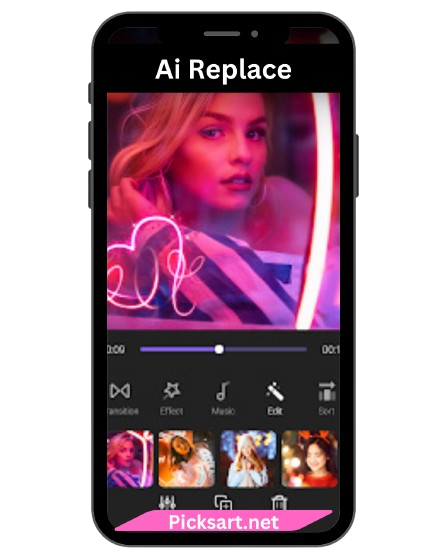
Filters, Effects, and Design Tools
PicsArt excels in variety. It offers thousands of filters, overlays, and design tools for posters, ads, and social media visuals. Users can add stickers, text, and effects or even draw directly on their photos for a completely customized look. Photoroom, meanwhile, keeps the focus on clarity and branding. It includes clean, professional filters and ready-made templates for creating consistent product images, promotional graphics, and business visuals.
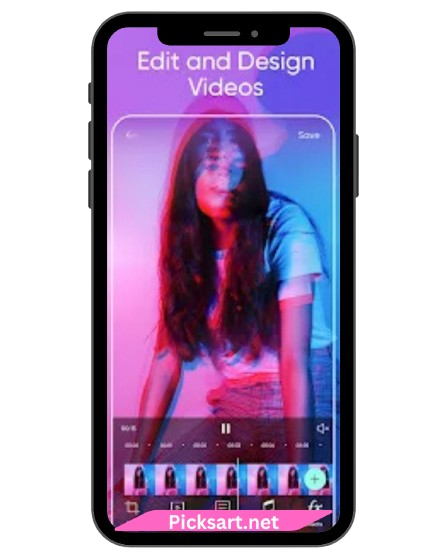
Templates and Branding Features
Both apps offer templates, but their focus differs: PicsArt provides trendy, colorful templates for creative projects, stories, and ads. Photoroom specializes in brand-ready templates for eCommerce, logos, and marketing visuals. This makes Photoroom a top choice for businesses and online sellers, while PicsArt remains ideal for creative designers and influencers.

Pricing and Availability
Both PicsArt and Photoroom use the freemium model, allowing users to access basic tools for free and upgrade for premium features. PicsArt Free Version: Includes essential editing tools with ads, while PicsArt Gold unlocks premium filters, AI effects, and watermark removal. Photoroom Free Version: Offers background removal and basic templates, while Photoroom Pro provides batch editing, HD exports, and branded templates. Supported Platforms: PicsArt: Android, iOS, Web, Desktop Photoroom: Android, iOS, Web
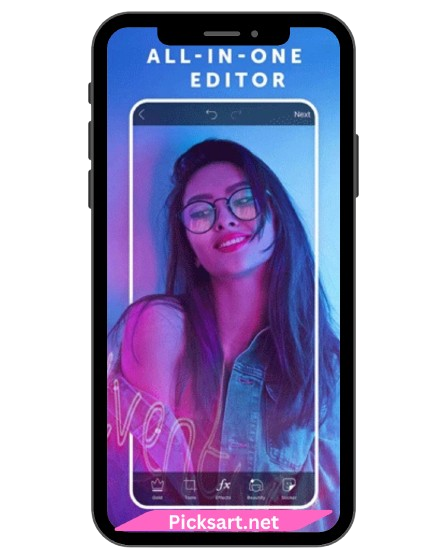
Community and Sharing
PicsArt features an active global community where millions of creators share their edits, join challenges, and collaborate creatively. Photoroom focuses on professional use and doesn’t include a social community, but it integrates smoothly with marketplaces like Shopify, Etsy, and social media platforms for instant sharing.
Pros and Cons
Picsart Pros & Cons
Pros
- Comprehensive creative editing suite
- AI tools for smart background and object contro
- Large collection of templates, stickers, and filters
- Active global community
- Suitable for both photo and video editing
Cons
- Ads and watermarks in free version
- May feel complex for new users
Photoroom Pros & Cons
Pros
- Industry-leading background remover
- Perfect for product and branding photos
- Quick, professional results
- Supports batch editing (Pro feature)
- Clean and intuitive interface
Cons
- Limited artistic and creative tools
- No built-in community features
Conclusion
Both PicsArt and Photoroom are powerful editing apps leading the creative industry in 2025 but they excel in different areas.
If your goal is creativity, artistic expression, and design freedom, PicsArt is your go-to app. It offers a complete set of tools for photo, video, and graphic creation—all in one place.
If you prefer professional, fast, and business-oriented results, Photoroom stands out with its unmatched background removal, product optimization, and clean design capabilities.
FAQ's
Which app is better, PicsArt or Photoroom?
It depends on your goal. If you want full creative control and artistic freedom, choose PicsArt. If you focus on business, product, or branding images, Photoroom is the better option.
Do both apps have AI tools?
Yes, both apps feature AI technology—PicsArt for creative enhancements and Photoroom for background and lighting precision.
Is there a free version of PicsArt and Photoroom?
Yes, both offer free versions with optional upgrades for advanced tools and ad-free use.
Which app is easier for beginners?
Photoroom is simpler and faster for beginners due to its one-tap automation.
Does PicsArt support video editing?
Yes, PicsArt includes both photo and video editing capabilities.
Can I use Photoroom for eCommerce photos?
Absolutely! Photoroom is specifically designed for creating product and marketing images for online stores and social media.