PicsArt vs Fotor: The Ultimate Guide to Choosing the Best Photo Editing App in 2025
In the modern digital era, visuals are the heart of creativity—whether you’re designing for social media, building a brand, or simply capturing memories. A great photo editing app can turn ordinary pictures into captivating works of art. Among the top choices in 2025, PicsArt and Fotor stand out as two of the most powerful and user-friendly editing tools available.
Both apps offer AI-powered tools, filters, and effects, but each excels in its own way. In this guide, we’ll explore PicsArt vs Fotor in detail—covering their features, strengths, and how they can help you achieve the perfect photo edit every time.
Overview of PicsArt and Fotor
PicsArt is an all-in-one creative suite for photo and video editing. With thousands of filters, stickers, collage layouts, and AI tools, it empowers users to design professional-quality visuals right from their smartphones or desktops. Whether you’re an artist, content creator, or beginner, PicsArt gives you everything needed to bring your imagination to life.
Fotor, on the other hand, is a polished and professional photo editor built for simplicity and speed. Known for its one-tap AI enhancements, HDR effects, and design templates, Fotor is ideal for anyone who wants high-quality edits without spending hours adjusting every detail. It’s equally great for social media posts, product photography, or business branding.
Comparison Table: PicsArt vs Fotor
Features | PicsArt | Fotor |
Editing Tools | Advanced and customizable | Professional yet beginner-friendly |
AI-Powered Tools | Yes | Yes |
Filters & Effects | Huge creative collection | Premium, natural-looking filters |
Collage Maker | Wide variety of layouts | Stylish templates |
Design Templates | Extensive for social media | Professional templates for business & marketing |
Stickers & Text Tools | Rich creative library | Limited but elegant designs |
AI Background Removal | Available | Available |
Batch Editing | Not available | Yes |
Social Community | Active global community | No built-in social network |
Platforms | Android, iOS, Web, Desktop | Android, iOS, Web, Desktop |
Key Feature Comparison
User Interface and Experience
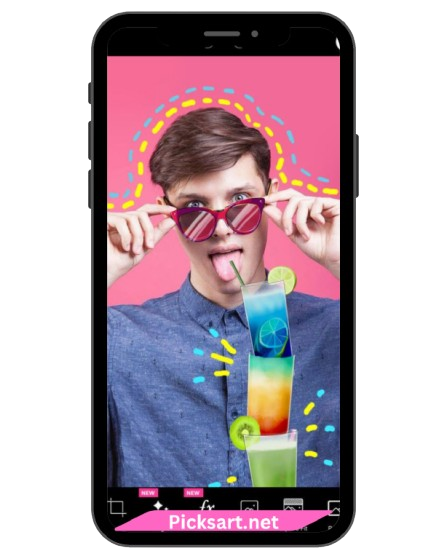
PicsArt features a vibrant, creative workspace filled with tools for every kind of edit. Its tutorials and in-app tips make it accessible for beginners, while professionals appreciate the level of control it provides. Fotor offers a clean, minimal, and straightforward interface. Its simple layout makes it easy to perform quick edits or batch-process images with just a few clicks.
AI-Powered Editing
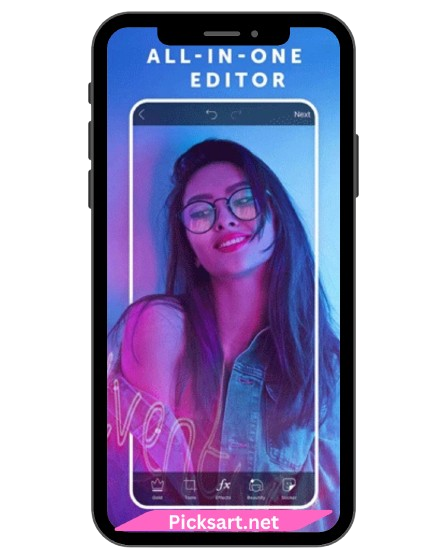
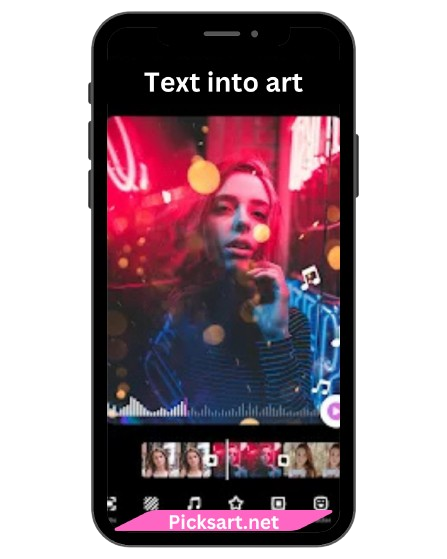
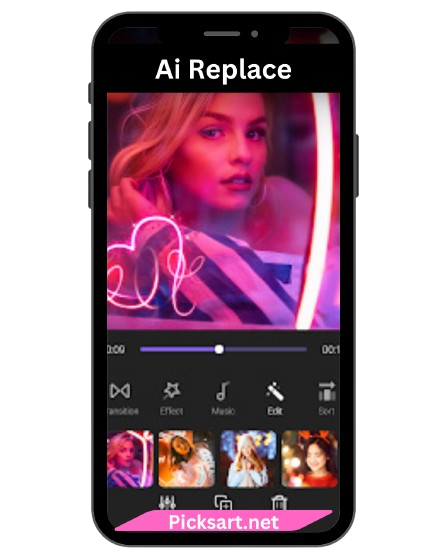
Both PicsArt and Fotor integrate AI seamlessly, but their focus differs. PicsArt’s AI helps with smart background removal, object replacement, and artistic filters that can turn any photo into a digital masterpiece. Fotor’s AI focuses on instant enhancement—improving lighting, contrast, and detail automatically while keeping the photo natural and professional-looking.
Creative Tools and Filters
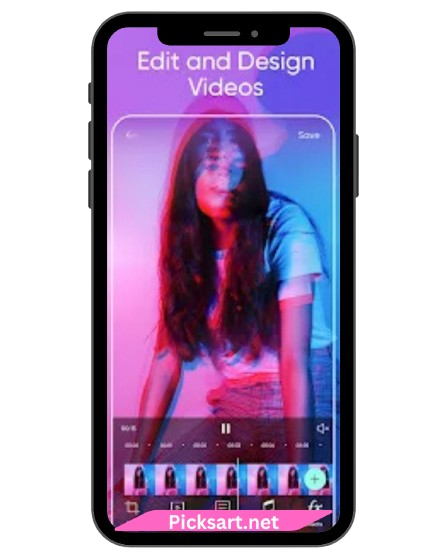
PicsArt offers a massive variety of creative filters, effects, and overlays that can transform an image into something completely new. Its collage tools, text customization, and sticker options add playful and expressive elements to photos. Fotor, meanwhile, provides refined, aesthetic filters designed for a polished and elegant finish—perfect for business photos, portraits, and brand imagery.
Design and Templates
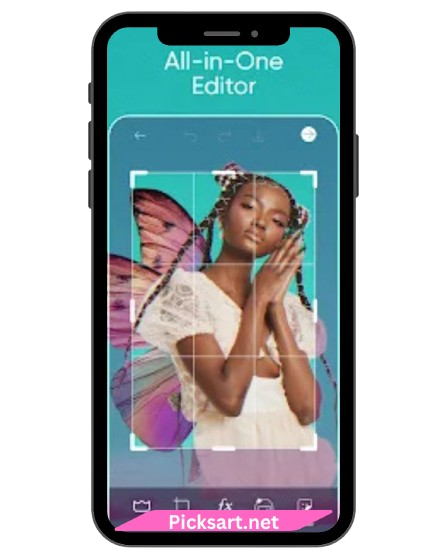
If you’re creating posters, ads, or social media graphics, both apps offer excellent template collections. PicsArt focuses on artistic freedom and trendy, bold templates. Fotor emphasizes professional marketing materials such as business cards, banners, and logos
Pricing and Availability
PicsArt Free Version includes essential tools with ads, while PicsArt Gold (Premium) unlocks exclusive filters, AI effects, and watermark removal. Fotor Free Version provides basic editing tools, while Fotor Pro gives access to premium templates, batch editing, cloud storage, and advanced retouching options.
Community and Sharing
PicsArt shines with its active global community—allowing users to share edits, participate in creative challenges, and get inspired by other artists. Fotor focuses more on professional editing and doesn’t include an in-app social feed, but users can directly export and share their creations on social media platforms.
Pros and Cons
Pros
Picsart
- Advanced photo editing tools
- Thousands of filters, stickers, and templates
- Active social community
Fotor
- Simple and professional interface
- Excellent AI auto-enhancement
- Batch editing for fast productivity
Cons
Picsart
- Free version includes ads and watermarks
- May feel overwhelming for complete beginners
Fotor
- May feel overwhelming for complete beginners
- Social community features not available
FAQ's
Which app is better, PicsArt or Fotor?
If you love creativity, customization, and artistic expression, choose PicsArt. For fast, professional-looking results with minimal effort, Fotor is the better option.
Do both apps have free versions?
Yes, both offer free versions with optional premium upgrades for advanced tools and watermark removal.
Does Fotor support batch editing?
Yes, Fotor allows batch processing for editing multiple photos at once
Can PicsArt be used for business design?
Absolutely! PicsArt’s templates and creative assets make it ideal for social media marketing, posters, and brand visuals.
Are AI features available in both apps?
Yes, both include AI-powered tools PicsArt for creativity and Fotor for smart image correction.
Conclusion
Both PicsArt and Fotor are exceptional photo editing apps, each designed to meet different creative goals.
If you enjoy experimenting with filters, effects, and artistic tools, PicsArt is the perfect choice it gives you full creative freedom to design unique and expressive visuals. On the other hand, if you prefer clean, professional, and time-saving edits, Fotor delivers stunning results with just a few taps.
In 2025, both apps stand out as powerful companions for photographers, designers, and everyday creators who want their photos to look vibrant, polished, and professional. No matter which app you choose, your creativity will always shine brighter.